MAXWAVE · factory-direct
Wall Printing Machines to Start and Grow a Wall Printing Business
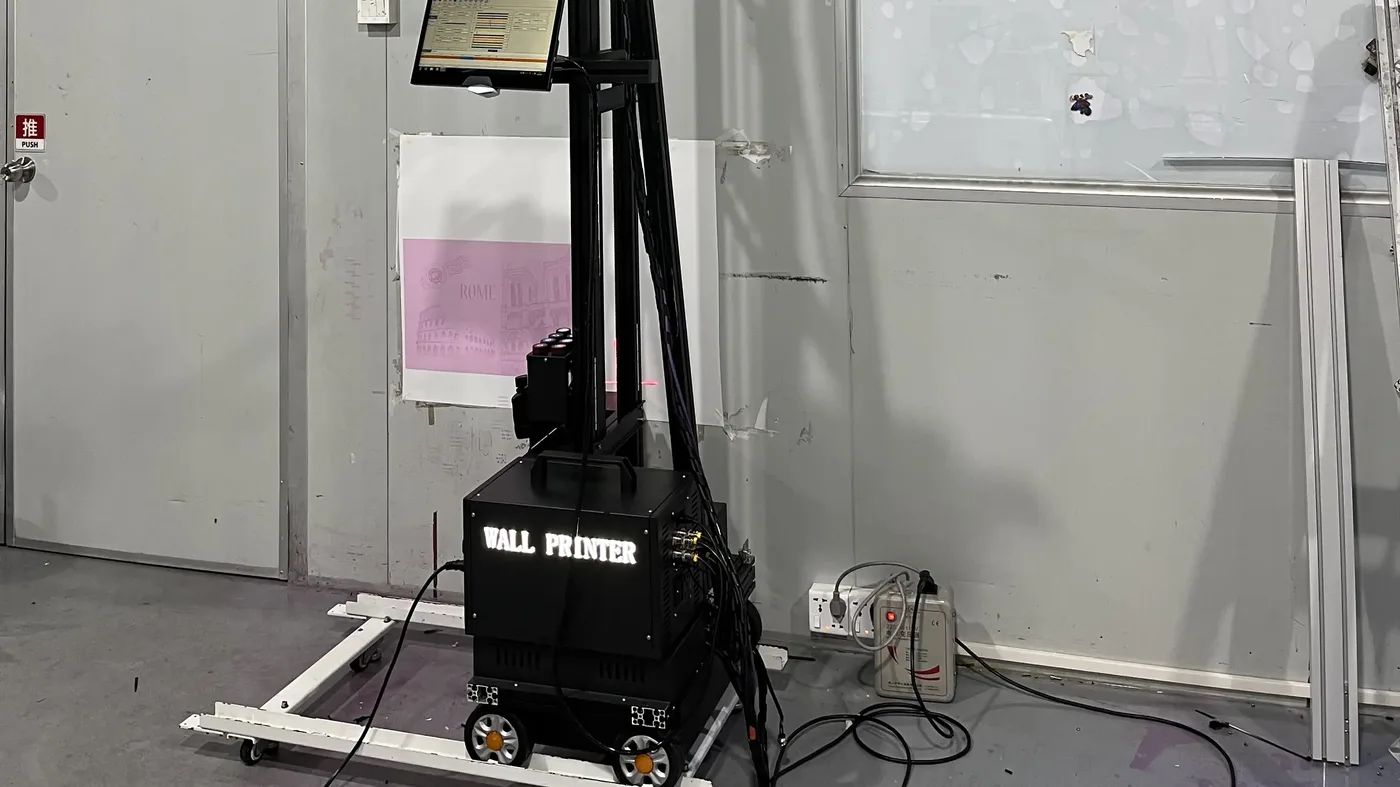
The machine prints your image straight onto the wall and cures the UV ink as it goes. You sell the finished walls to cafés, offices, hotels and homes.
Machine, calibrated software, remote training and after-sales support in one order.

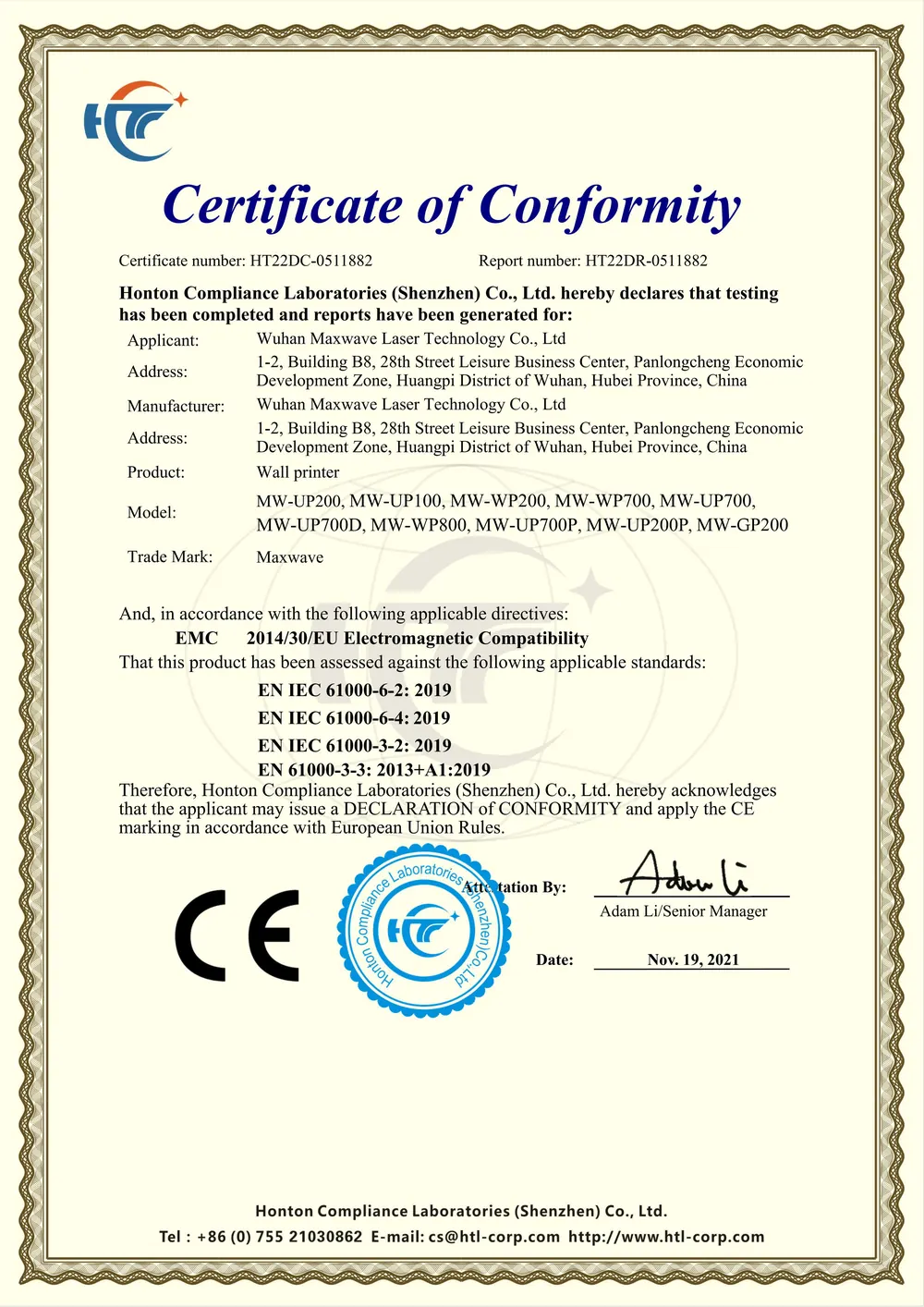
- CE · EMC + MachineryCertificates issued to MAXWAVE
- 2-year machine warrantyFrom the date of purchase
- 10 minutesTo learn the basic print workflow
- Calibrated before shippingSoftware and colour profiles set at the factory
Where the money comes from
Printed Wall Projects and the Clients Who Pay
Local businesses and homeowners pay for a wall that looks designed for them. Seven client groups order most of the work.
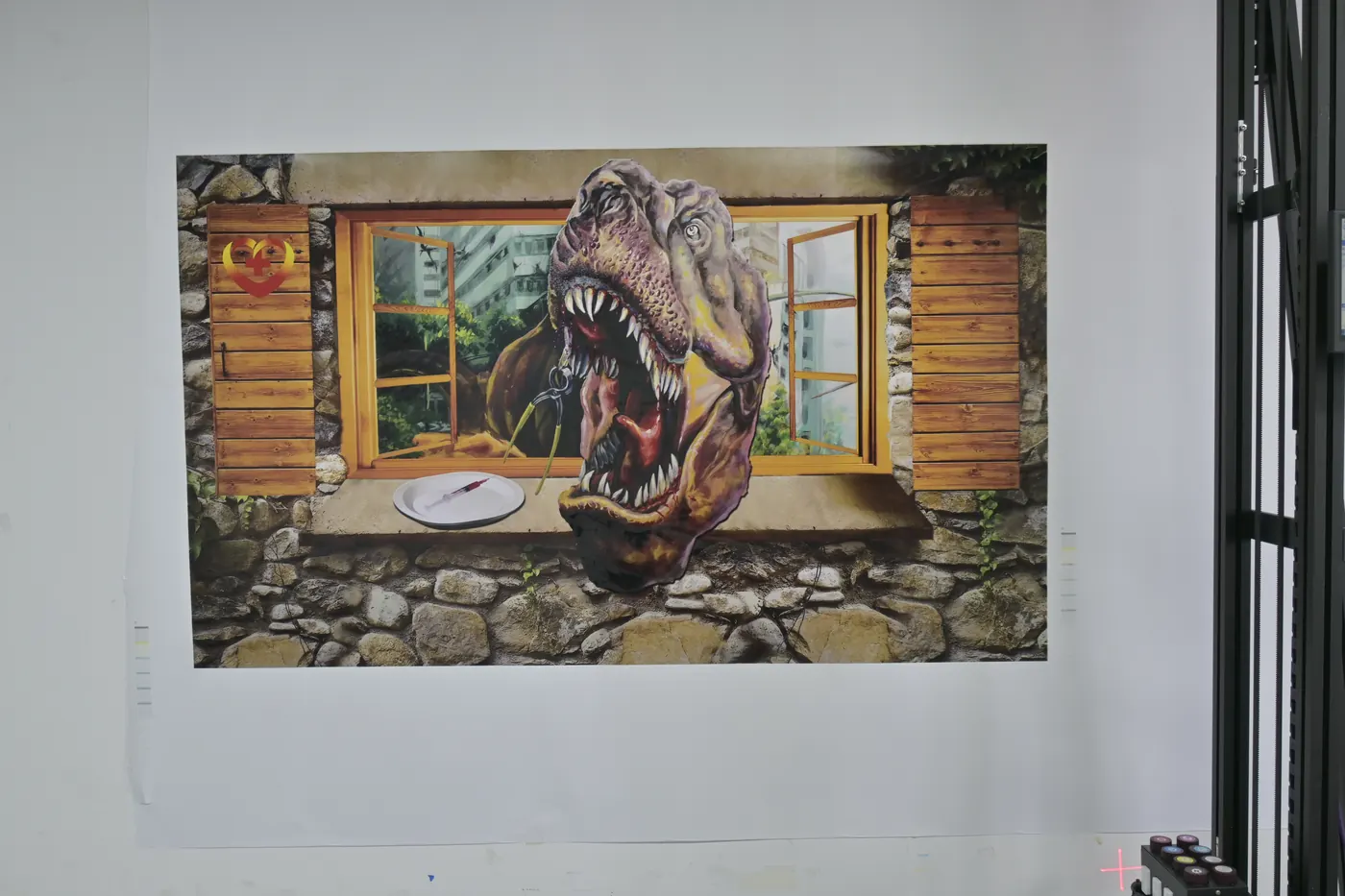
Schools and educational facilities
Classroom and corridor murals, maps and learning walls.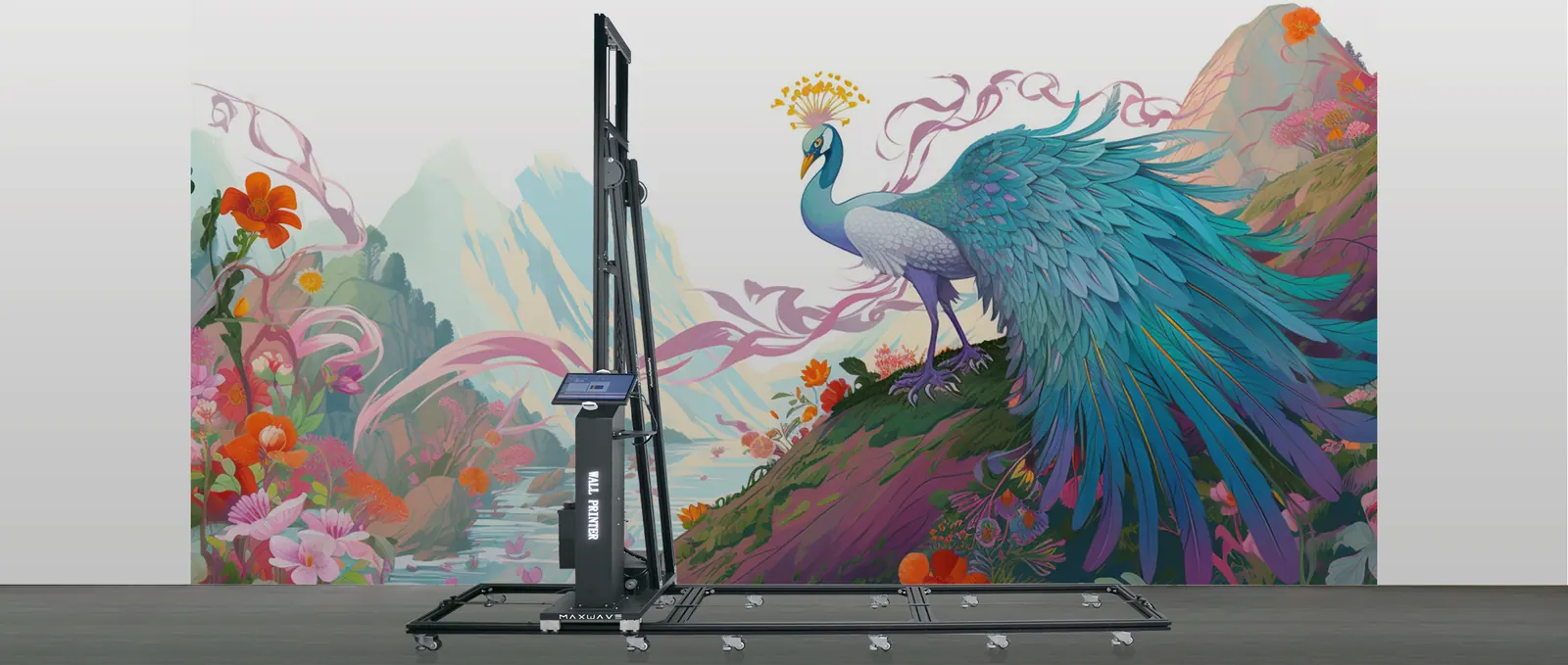
Gyms and entertainment venues
Large-format graphics that set the mood of the space.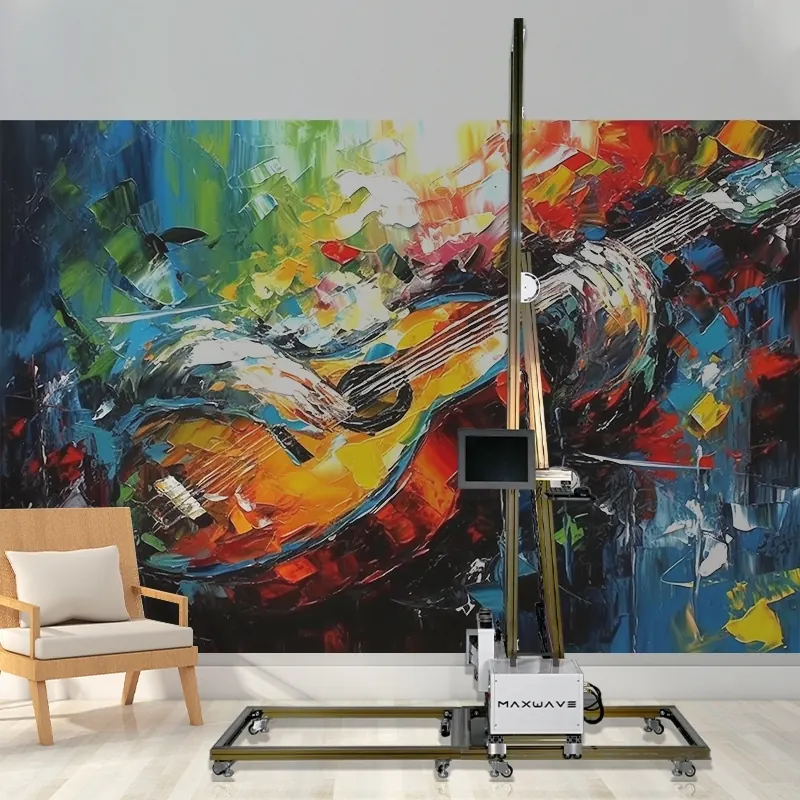
Restaurants and cafés
A mural behind the counter or along the seating wall.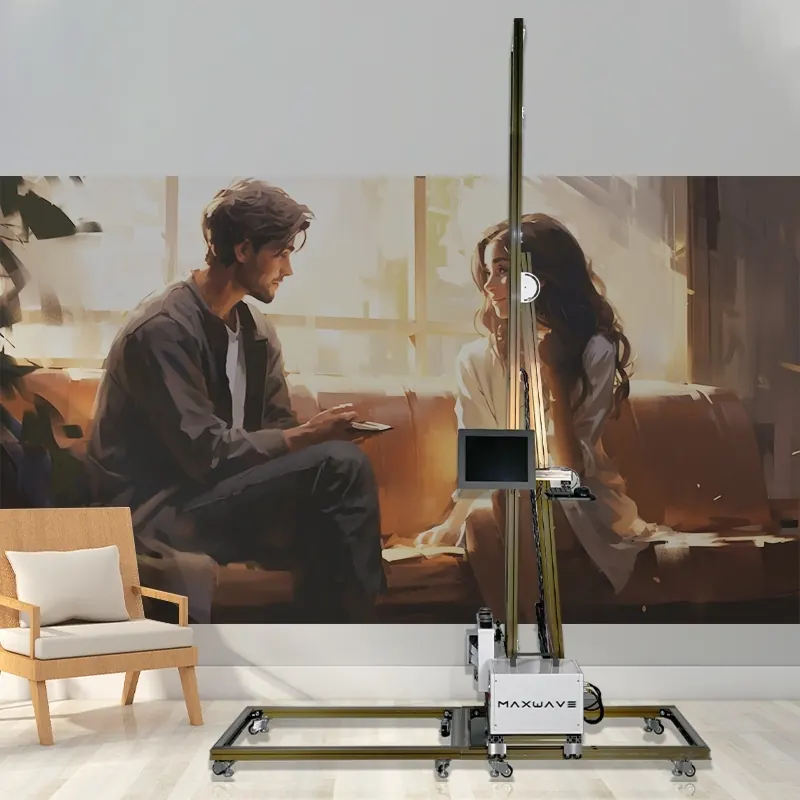
Hotels and hospitality
Lobby, corridor and room feature walls printed to the interior design.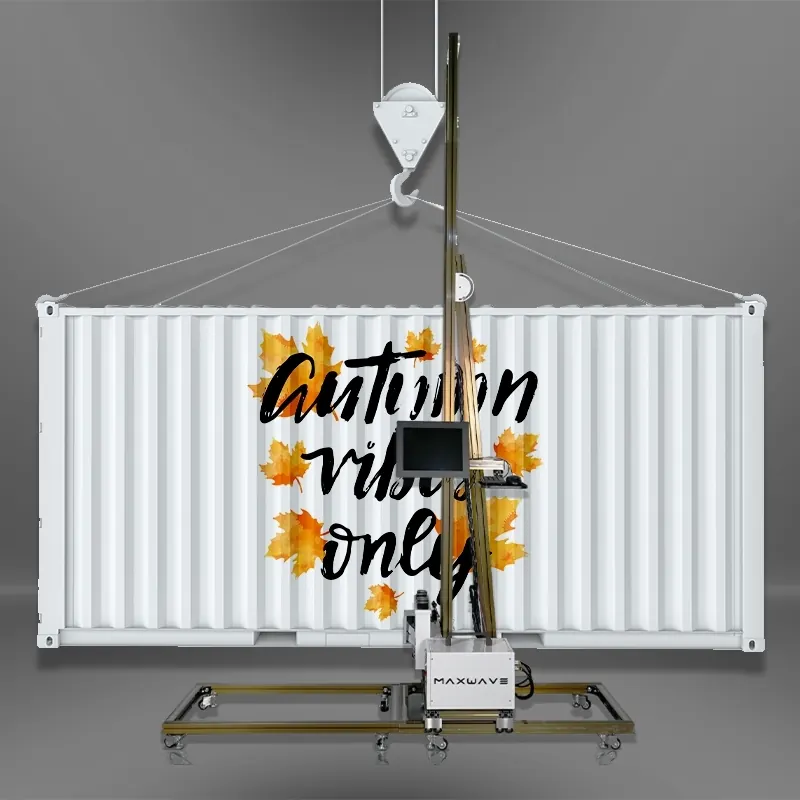
Retail stores and malls
Brand graphics and product walls for each campaign.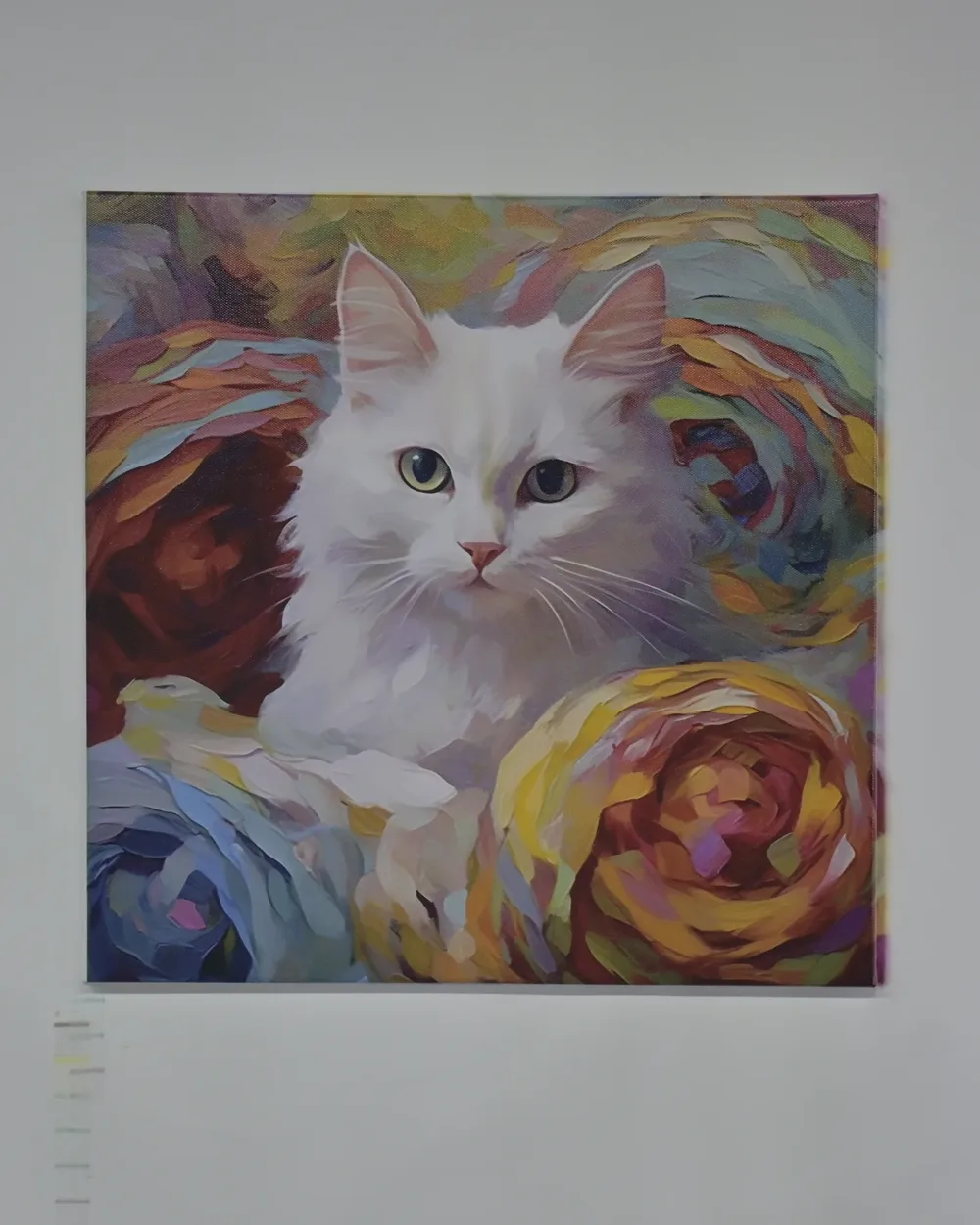
Corporate offices
Reception logo walls, values walls and meeting-room artwork.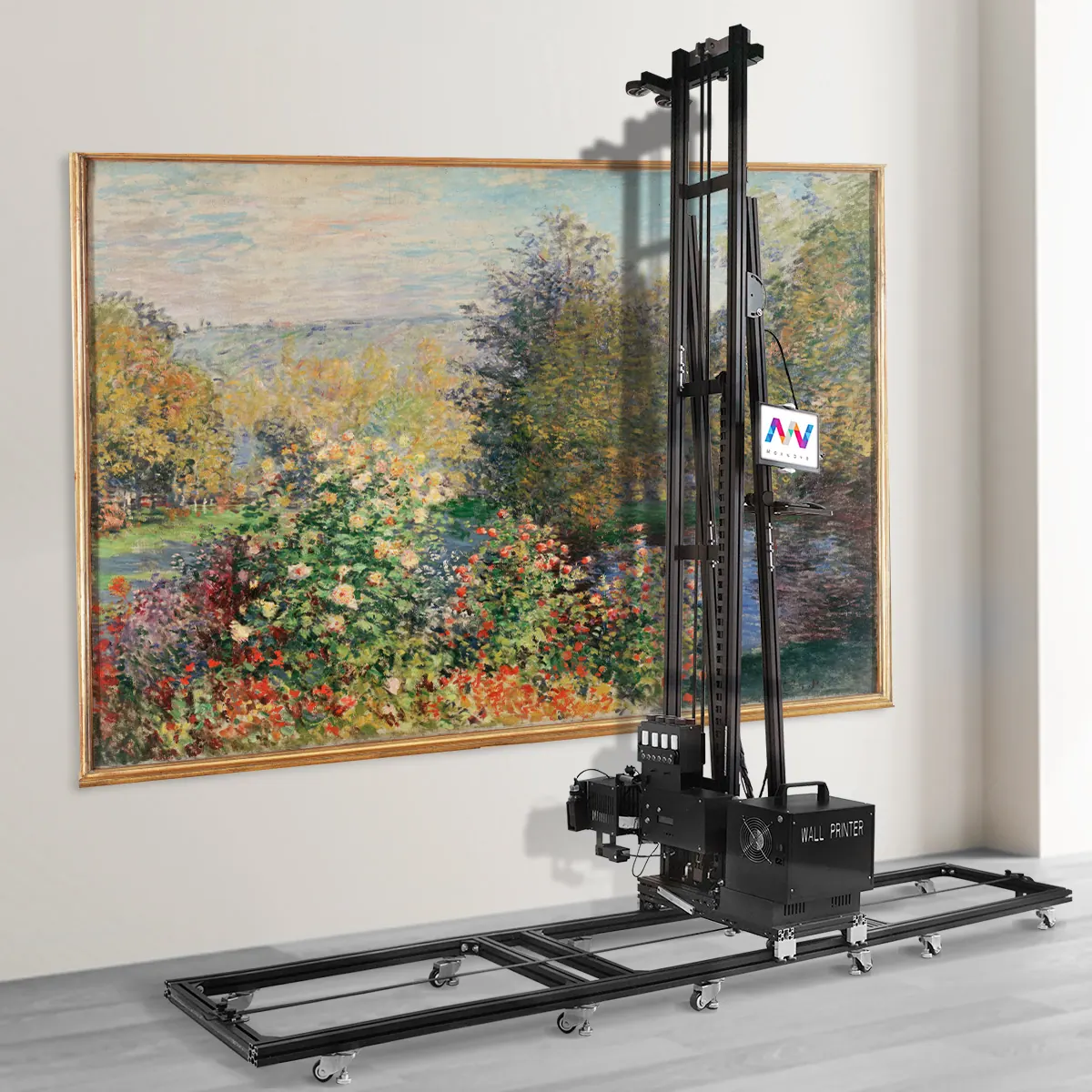
Homes
Children's rooms, living-room feature walls and personal photographs.Each market, and the projects you can deliver in it, is covered on the Applications page
Pick by the job
Four Wall Printing Machine Series Matched to the Jobs You Sell
Pick the line that sounds most like your work. The matching MAXWAVE series lights up.
All four series: CMYK or CMYK + W, 3.0 pl droplets, 8 m²/h in Standard mode and 5 m²/h in High resolution mode, Epson printheads.
Compare the machines side by side
- Matches your jobs
 Walls + floors
GP200B wall and floor printer
- Walls and floors in one machine
- 2-minute switch, rails stay put
- Your logo on the body
- Matches your jobs
 Solo, mobile
GP200 rail wall printer
- Packs into 7 small parcels
- One person sets it up
- Prints down to 20 cm above the floor
- Matches your jobs
 Hands-off runs
UP200 black column wall printer
- Rigid column on rails
- Self-cleaning printheads
- Resumes after a power cut
- Matches your jobs
 Clean look, your logo
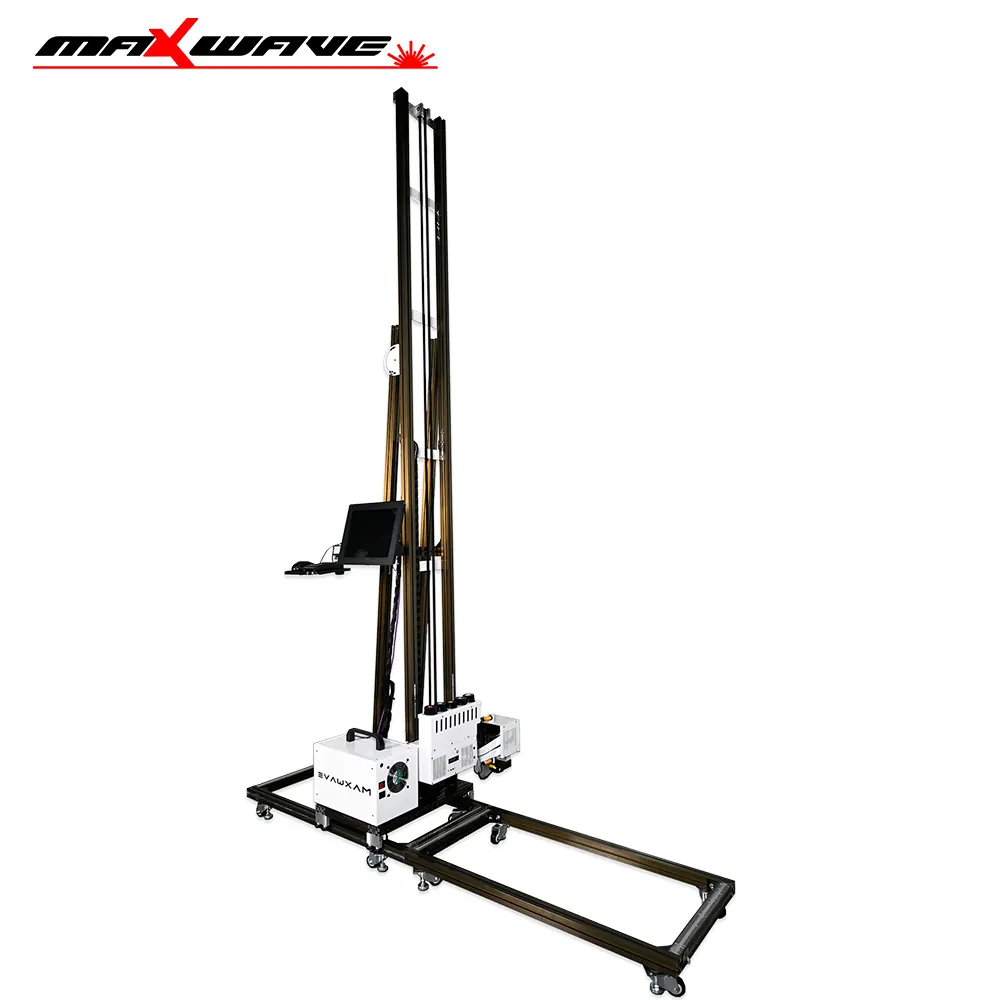
UP200P white portable wall printer
- Clean white cabinet for client spaces
- Your logo on the cabinet
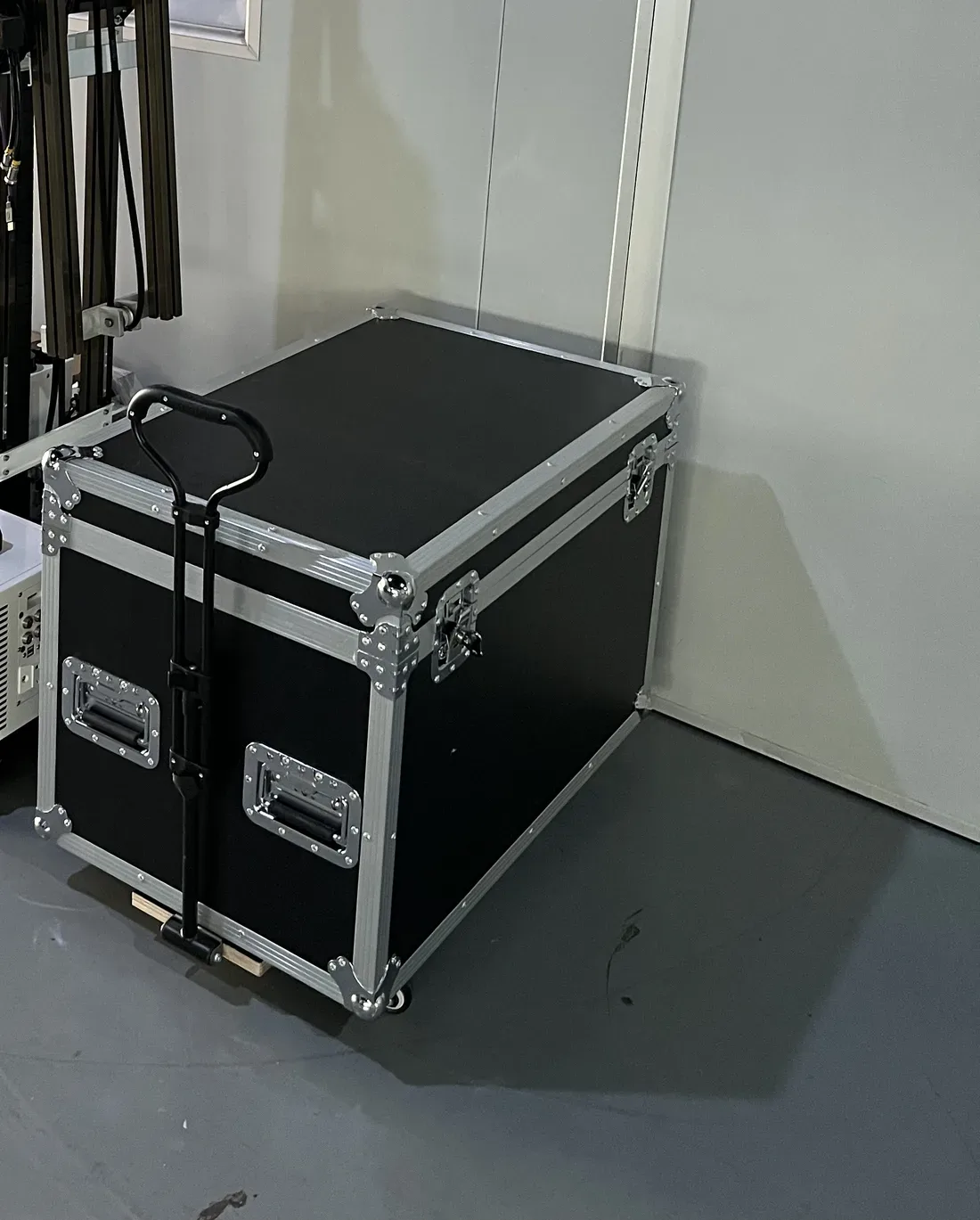
- Packs into a wheeled flight case
Epson printheads
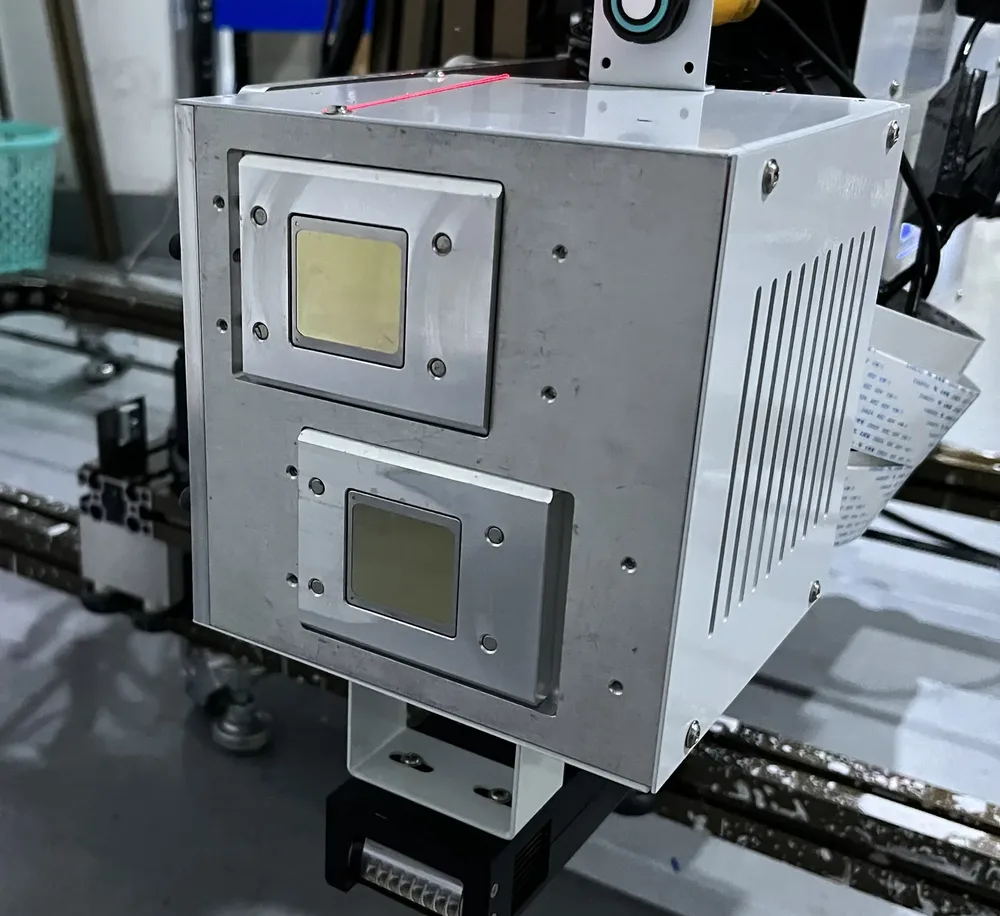
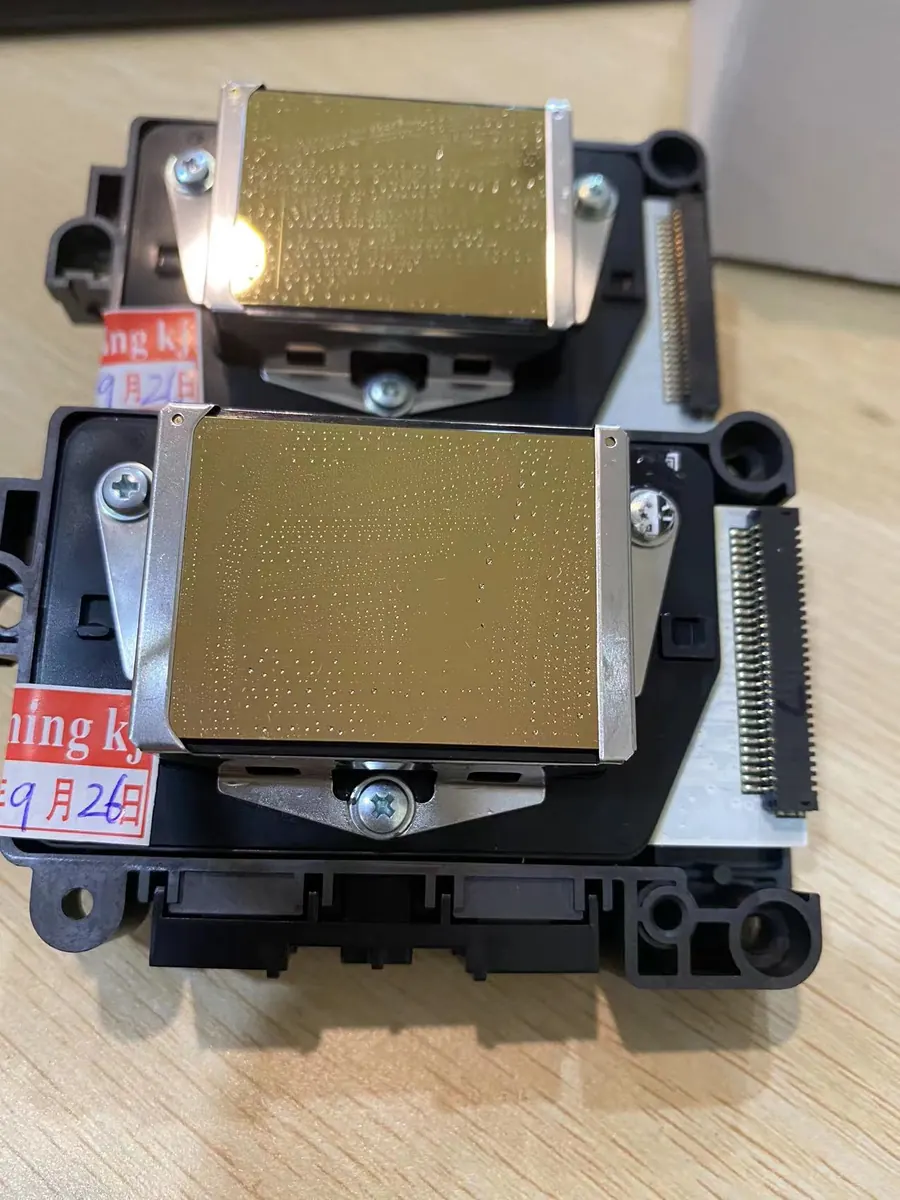
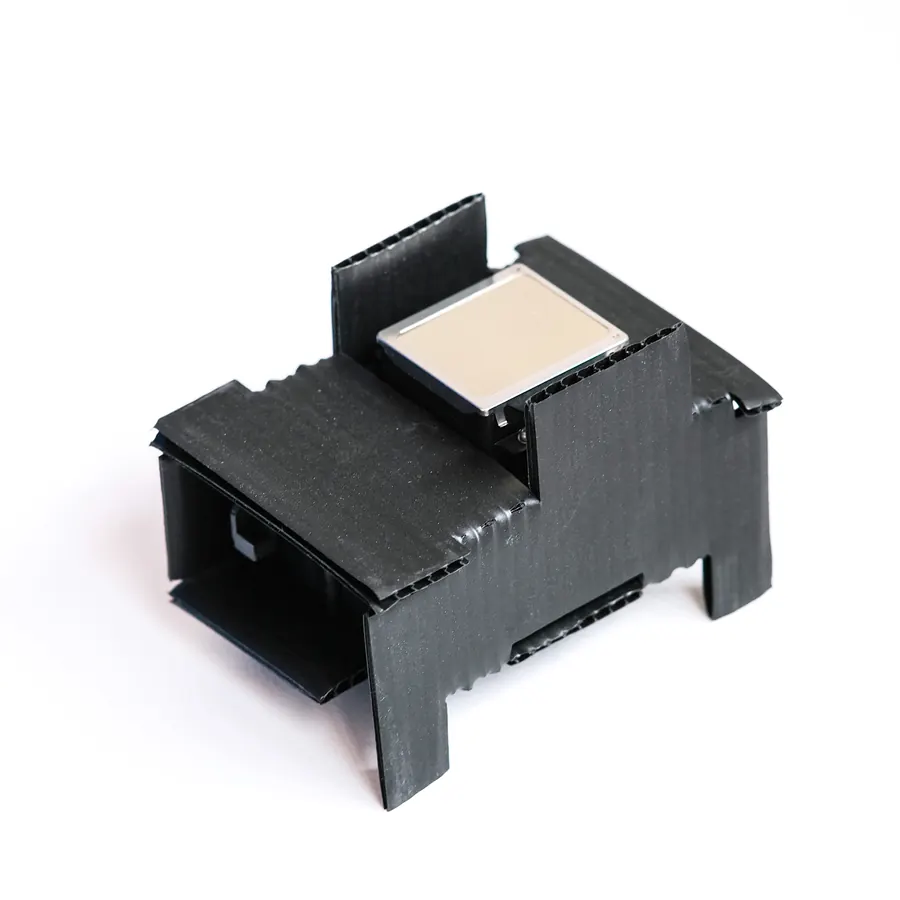
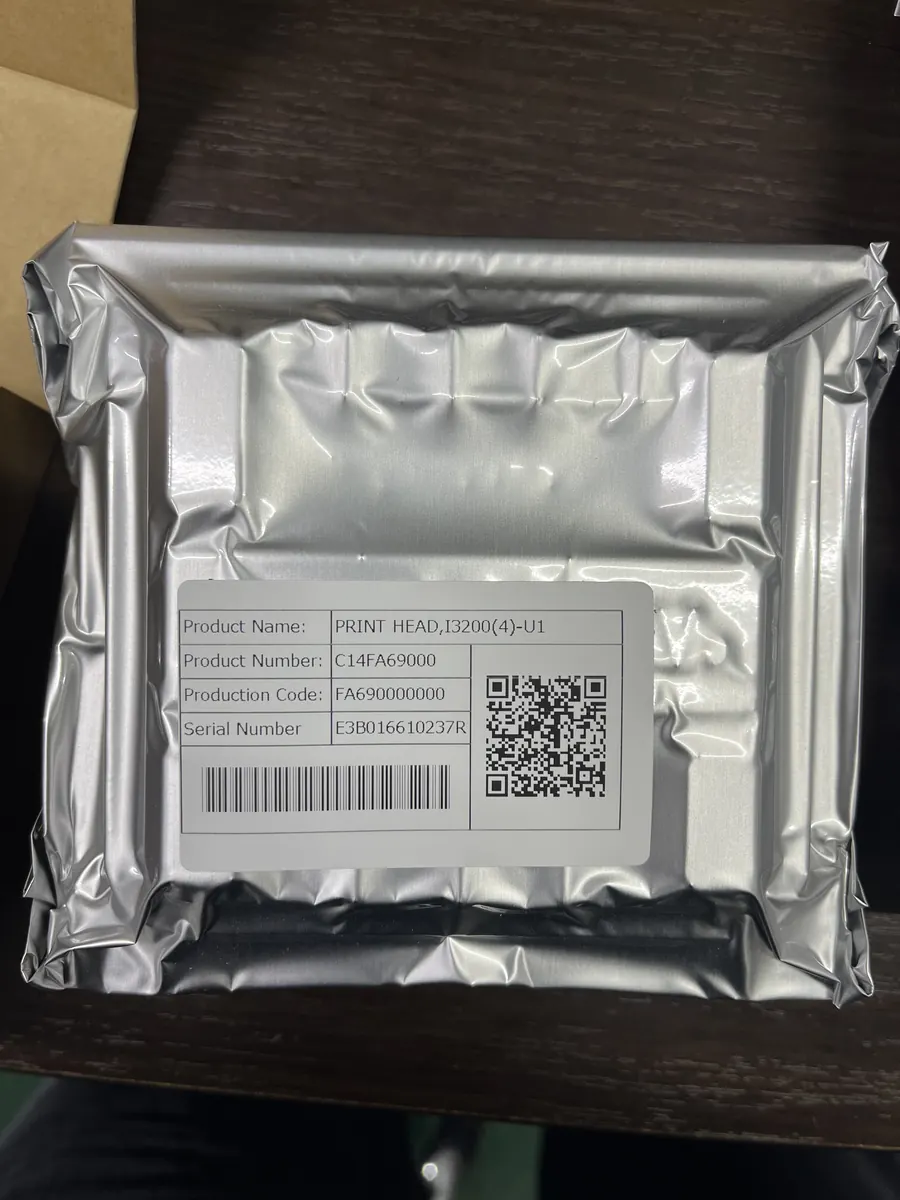
Epson Printhead Options: DX7, DX10, I1600, I3200
All four series print with Epson printheads. Nozzle count sets speed, printhead life, price and how well a head handles clogging.
From I1600 to DX7 to DX10: fewer nozzles mean slower printing, a shorter printhead life, a lower printhead price and less resistance to clogging and cleaning.
- I1600: larger nozzles fire steadily and are less likely to drop ink, so prints come out without broken lines or banding.
- I3200: the same 720 × 1200 default resolution as the I1600.
- Your pick: recommended with the machine quote, from your wall sizes and the number of jobs you expect.
Two figures from you
Your Price per Square Metre and Wall Sizes Set Your Payback Area
Send the price you can charge per m² and the wall sizes you print most. They become a machine recommendation and a quotation you can test against your own market, in the sum below.
Ink cost
$0.40- About 2 ml of ink per m² in standard mode with CMYK ink.
- White ink and full-coverage images raise it: a dark wall with a white underbase costs more per m² than a light wall.

Print time
8 m²/h Draft · Standard- 5 m²/h in High resolution mode.
- Wall area ÷ mode speed = printing hours for the job. Add your setup time on site.

Selling price
$50–350 / m²- Typical market quotes for wall printing projects.
- Your price depends on region, wall size, artwork and client type, so use the price you can actually charge where you work.
Payback calculator
Machine price ÷ (your price per m² − ink cost per m²) = m² to cover the machine
Sent with your quotation.
Market quotes run USD 50–350.
- m² to cover the machine
- —
- Print hours for this wall · Standard / High
- —
Ink at $0.40 per m². Labour, travel and wall preparation are yours to add on the cost side.
Send your price per m² and your wall sizes. A matching series and printhead setup comes back with a machine price you can put straight into this sum. A worked example of one wall, from enquiry to handover, is on the Start a Wall Printing Business page
Get the Machine PriceSame machines, eight materials
Wall Printing Machine Results on Eight Surfaces
One real print per material, made with the machines on this page. Results depend on the surface and its preparation, so a sample test is recommended on any material you have not printed before.
Brick wall
The ultrasonic sensors follow the joints between bricks, so the image runs across the mortar lines.Plain grey wall
Painted walls print directly. A darker grey takes the CMYK + W setup, with white printed under the colour.Wood board
The image is printed straight onto the board, and on bare wood the grain shows around it.Acrylic board
A smooth surface, so the matching coating goes on first and the print follows.Metal
Iron sheet and roller shutters take the coating first. On corrugated metal the sensors follow the profile.Glass
The coating is wiped on, then the LED UV lamp cures the ink as the printhead passes.Canvas
The image goes straight onto the canvas surface for artwork panels.Uneven surface
Shown on a ribbed shutter. Textured plaster and relief walls print the same way; the sensors are explained below.
- 3.0 plInk droplets behind the close-up detail
- 720 × 1200Default resolution, I1600 and I3200
- 720 × 1080Default resolution, DX10
- Send a Photo of Your Surface
Built for the hard walls
Four MAXWAVE Design Details That Handle Difficult Walls
Uneven walls, dark walls, glass and walls handed over the same day test any wall printer. MAXWAVE answers each one with a specific part of the machine or a matched material.
-
The wallThe detail01 · Uneven walls
Two ultrasonic sensors with surface following
The sensors on the printhead measure the distance to the wall and move the printhead in and out as it travels. They follow up to 1.5 cm of relief, such as brick joints, textured plaster and ribbed shutters, with no hand adjustment. -
The wallThe detail02 · Dark walls
A white underbase from CMYK + W, with white ink stirring
The machine prints a white layer first and the colour image on top, so colours hold on a dark or coloured wall. A stirring system keeps the white ink mixed in the line, so it does not settle between jobs. -
The wallThe detail03 · Glass and glazed tile
A matched coating, supplied with your consumables
Apply the coating to the smooth surface, then print. Without it the print can come off over time. The ink and the coating come from the same chain. -
The wallThe detail04 · Same-day handover
An LED UV lamp that travels with the printhead
The lamp cures each pass as it is printed, so the wall is dry when the print ends. A knob behind the lamp sets its brightness, and the wall gets a water- and UV-resistant finish.
Tell us which of these walls your jobs include. The machine is configured for them before it ships.
List My Wall TypesWhat sets these machines apart
Four Machine Advantages You Feel on the Job
 GP20010 min
One person sets it up
Plugs, clips and a printhead with almost no screws. It travels as 7 small parcels. GP200B2 min
Wall to floor
The printhead rotates to switch, without taking the rails apart. GP200Rail + slider
Quiet, fewer wear parts
The carriage runs on rails and sliders, and laser-cut rails line up the same way at every joint. I1600 printhead1600
Nozzles that resist clogging
Larger nozzles, steady firing, and air bled out in one pass.
Unbox, set up, print
Installation, Operation and Use of Your Wall Printing Machine
The steps that need a technician are done at the factory. What is left for you is short, and each part has its own page.
Done before shipping
Installed, calibrated, tested
- BetterPrint control software and Ultraprint RIP colour software with ICC colour curves, installed and calibrated.
- A technician tests each machine before it is packed.
- No software to install and no colour profiles to build.
10 minto learn the basic print workflow, because the software arrives set up.
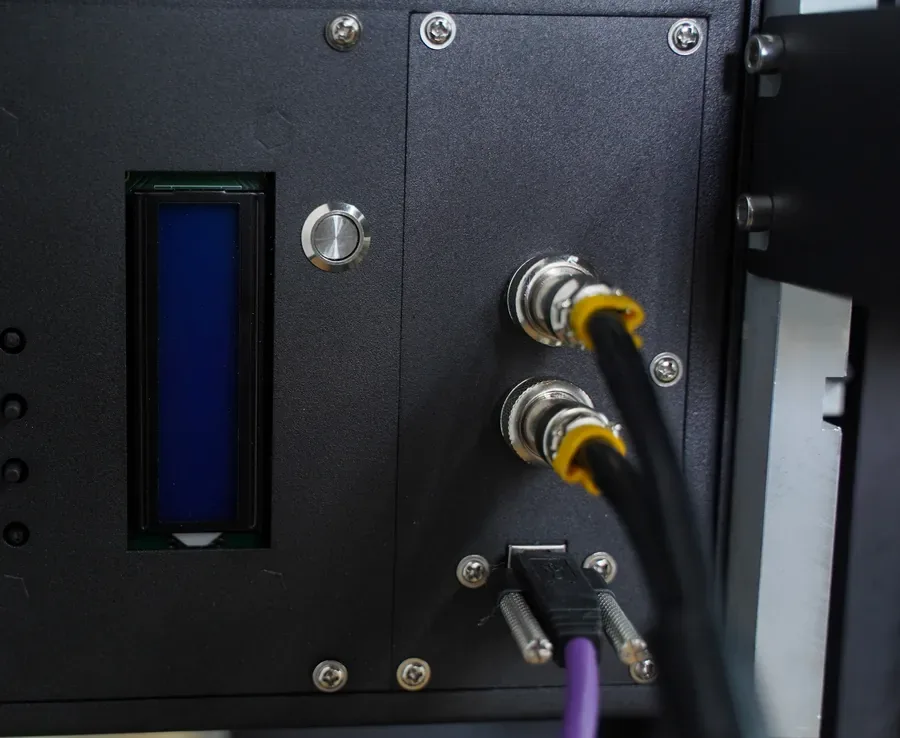
Setup on site
An illustrated assembly manual and aviation-plug cables. When the machine is assembled, you record a video of it and send it to an after-sales engineer, who reviews the setup remotely.GP200 setup and transport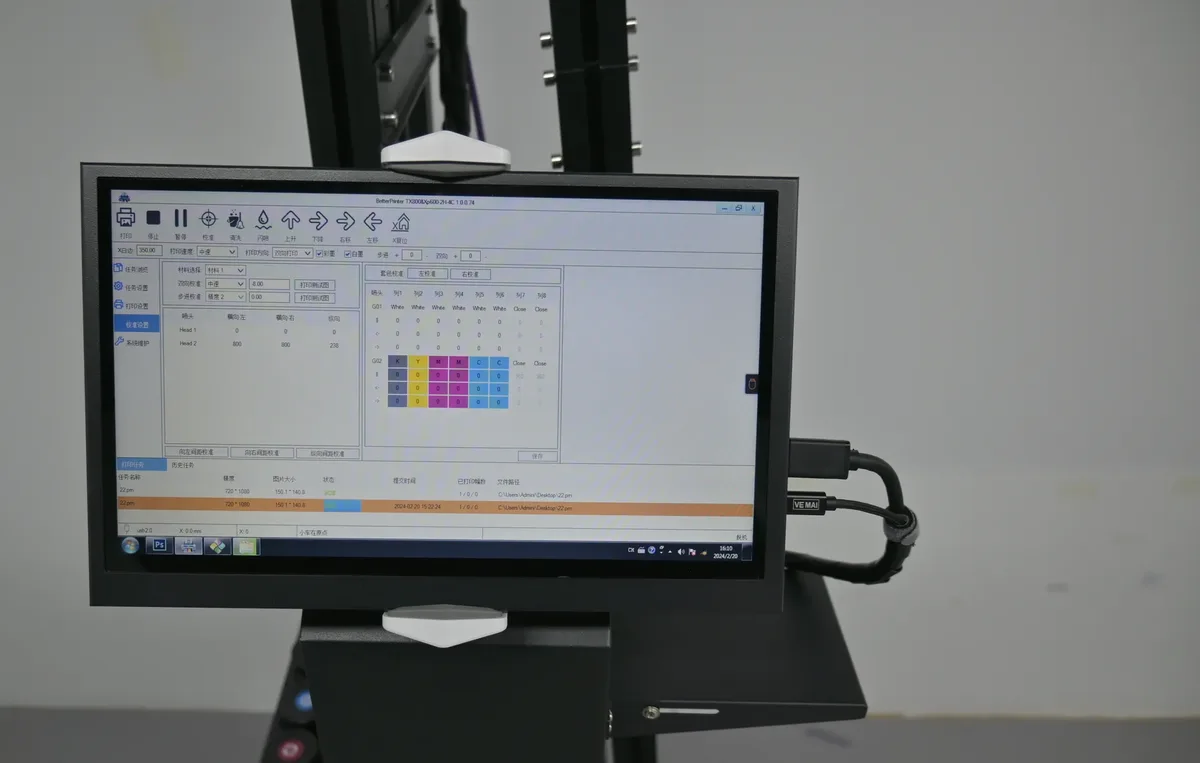
Running a print
Choose Normal for speed or Plus even for quality on the touchscreen. Files go in at 300 dpi or more in CMYK, as TIFF, PDF, JPEG or PNG. On the GP200, a red-light locator, digital positioning and image partition printing place and split a large design.File and surface guide by market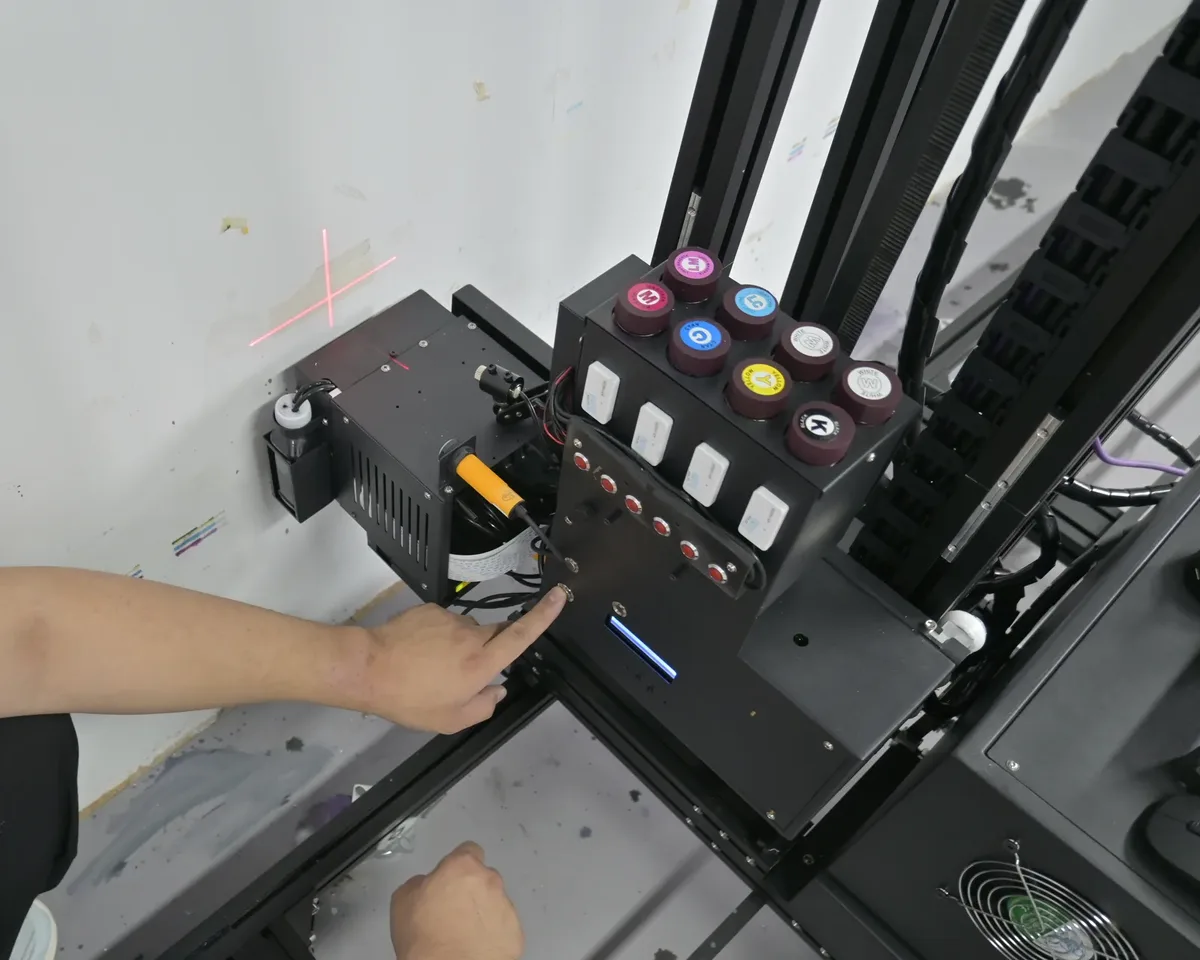
Remote training
A technician trains you remotely on your own machine. The video library covers printhead replacement, moisturising, cleaning, red-light positioning, and printing white and colour together.Training and Support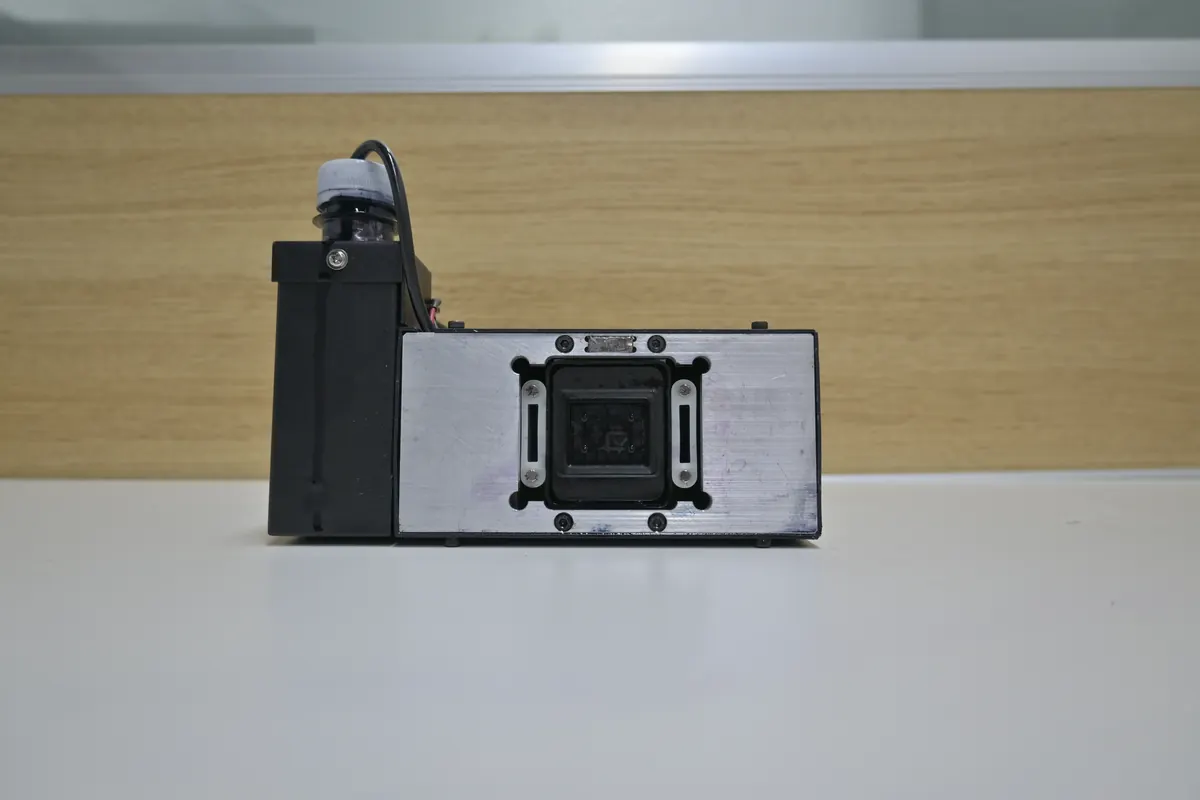
Daily care
An electric suction unit draws ink and caps the printhead at the end of the day, so you print directly next day. A low-ink alarm, printhead heating and white ink stirring keep the machine ready.Maintenance steps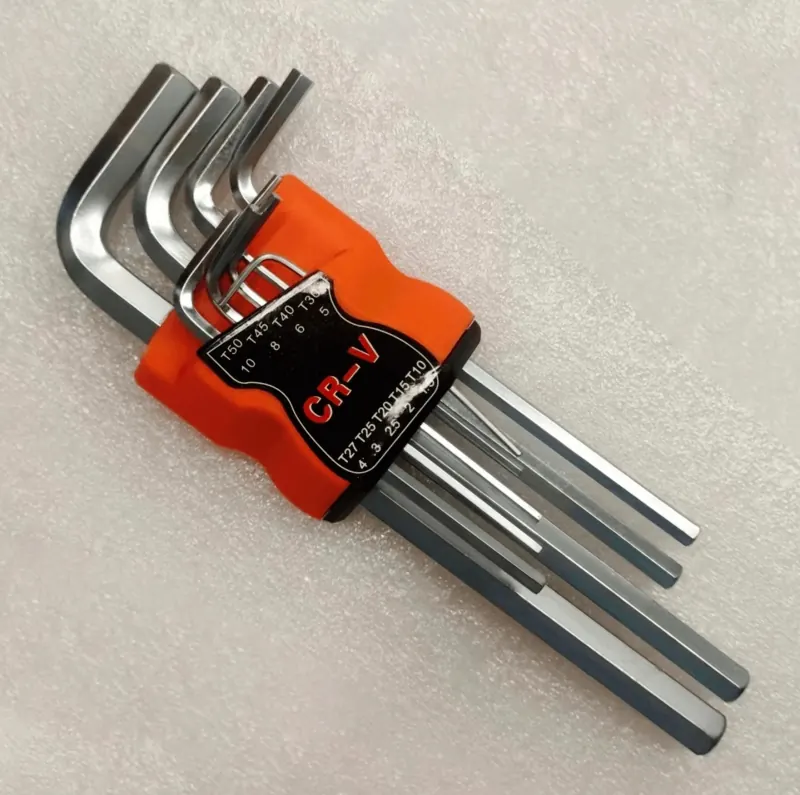
What comes in the box
Ink, moisturising and cleaning liquids, an electric suction unit, a manual ink syringe, ink bags, ink tubes, data cables, a belt, wheels, a fixing bar and hex tools.Consumables and maintenance
After it arrives
After-Sales Service and Support
After-sales engineers guide you online through setup, maintenance and part replacement. They answer whether you bought the machine three months ago or three years ago, and they also guide repairs on faults the warranty does not cover.
- WhatsApp: send photos or a video of the machine and the print.
- Email: for drawings, files and document requests.
- Parts: replacements reach you by the same route as the machine.
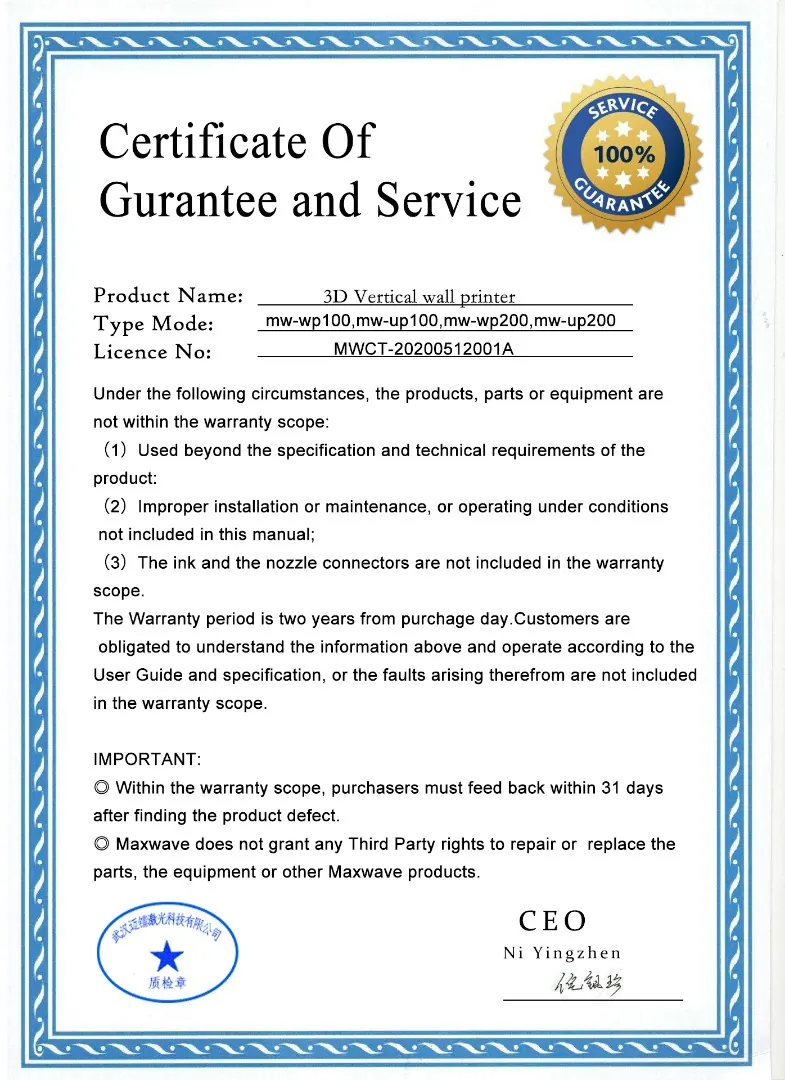
2years, whole machine
- From
- The date of purchase.
- Not covered
- Ink and printhead connectors.
- Report
- A defect within 31 days of finding it.
- You contact
- WallPrintJet. We take warranty cases to the MAXWAVE factory for you.
Who you buy from
WallPrintJet, a MAXWAVE Wall Printer Brand
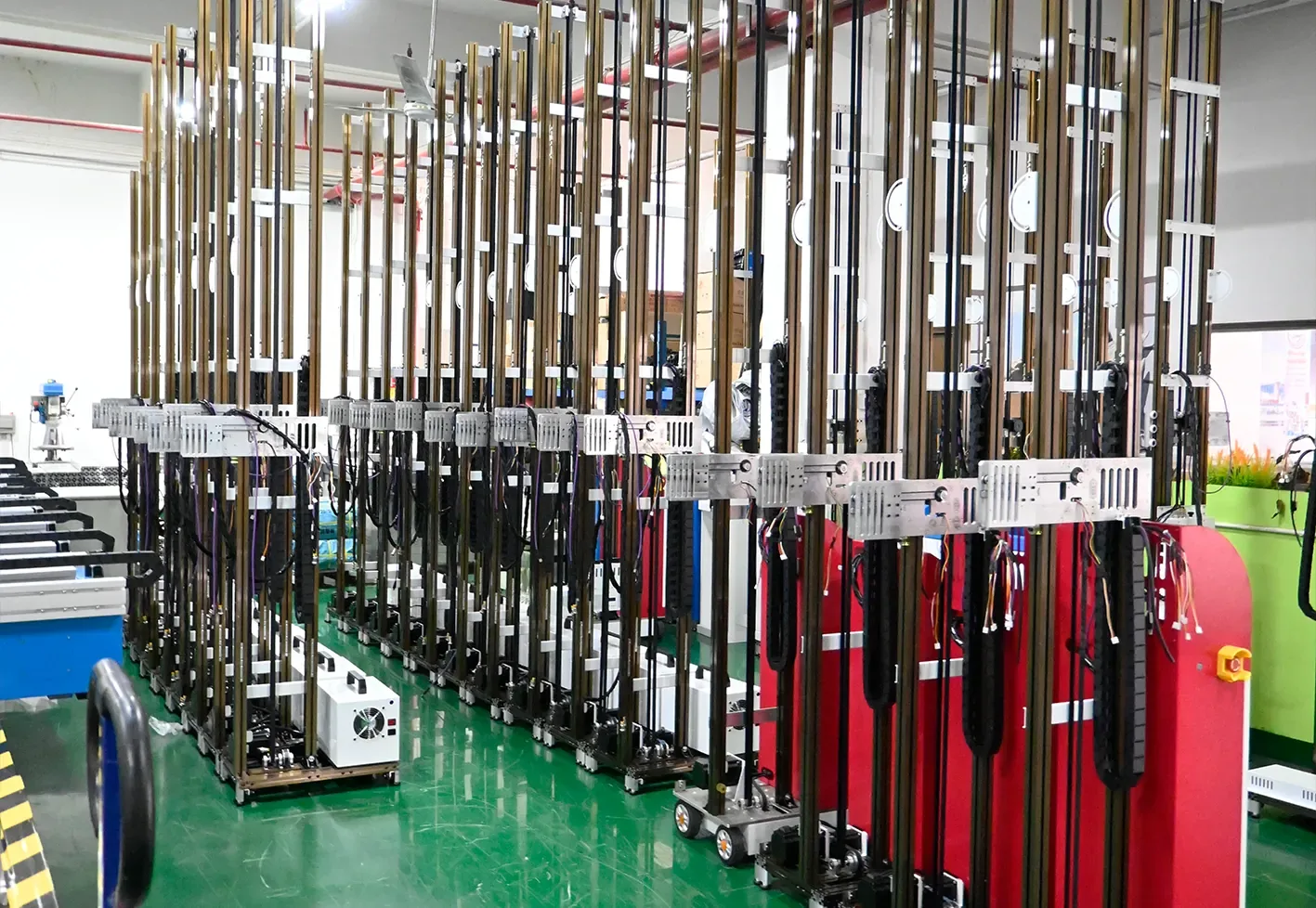
WallPrintJet is MAXWAVE's brand for people who start and grow a wall printing business. MAXWAVE builds and tests every machine on its own production line; under the WallPrintJet name we match it to your jobs, quote it, train you and support you for as long as you use it.
One contact
Quotation, order, training and every support request go to the same team.A recommendation from your jobs
Series, printhead and ink setup chosen from your walls, surfaces and workload.Documents you can check
CE certificates, the warranty certificate and the ink test report carry numbers you can look up.A business focus
First-time owners get from a delivered machine to a first paid wall.
MAXWAVE factory
Builds, tests and crates each machine on its own line.WallPrintJet
The MAXWAVE brand that matches the series to your jobs and stays your contact.You
Print and sell the walls. Factory questions and warranty cases go through us.Seven stages, one chain
Seven Controlled Stages from Design to After-Sales Service
Every MAXWAVE wall printer passes the same seven stages before and after it reaches you.
 01
Research and development
Designed for a new wall every week 02
Component sourcing
Epson printheads, servo motors, aviation plugs 03
Process control
Laser-cut rails rejoin the same way 04
Quality inspection
Tested and calibrated before packing 05
Protective packaging
Parts fixed down in wooden crates 06
International logistics
Crated at the factory, delivered to you 07
After-sales service
One contact through WallPrintJet
Check by number
CE Certificates and Design Patent
Documents you can ask for and look up by their numbers. Each was issued to MAXWAVE (Wuhan Maxwave Laser Technology Co., Ltd).
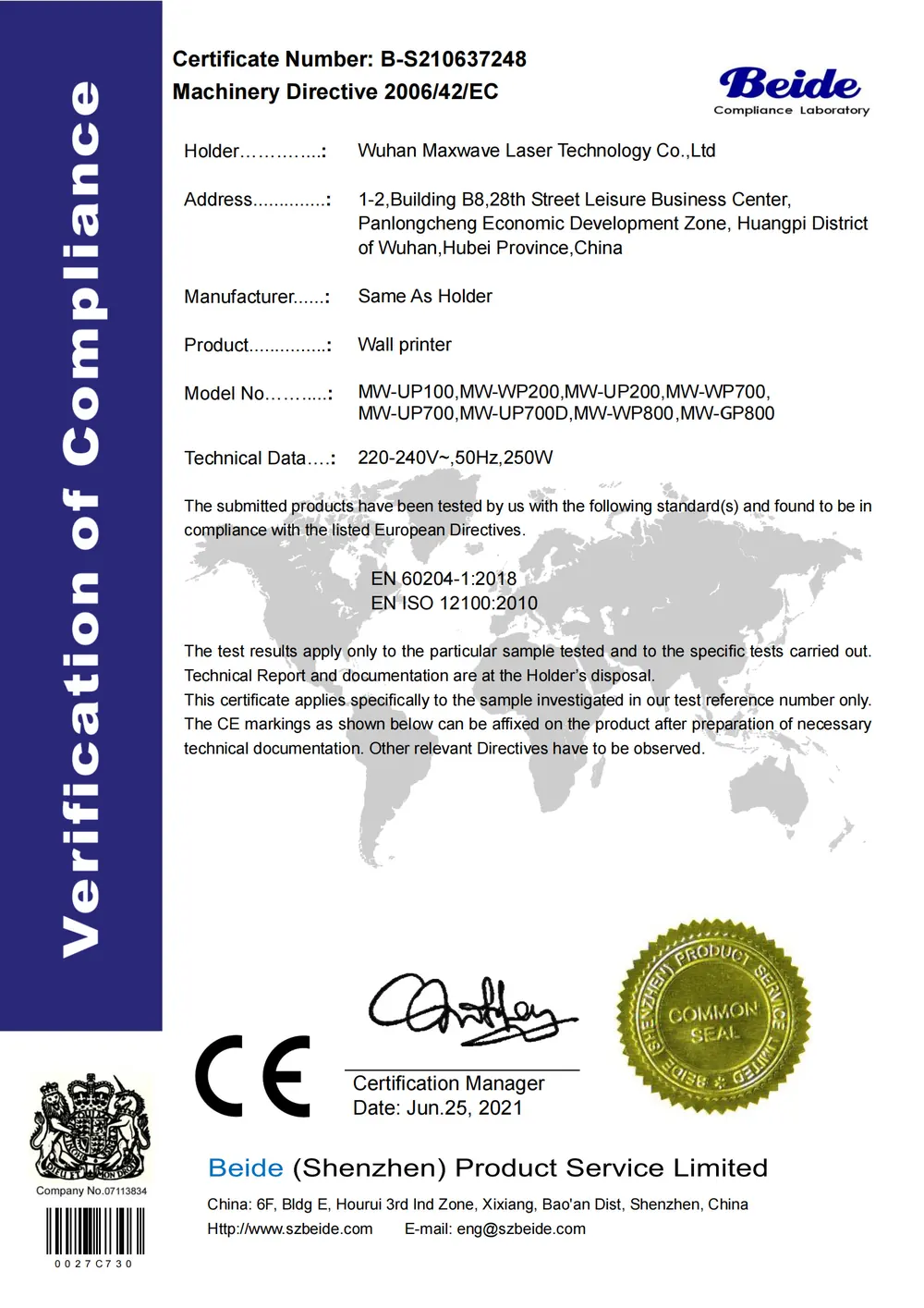
CE · Machinery Directive 2006/42/EC
B-S210637248Beide, 2021-06-25. Lists MW-UP200.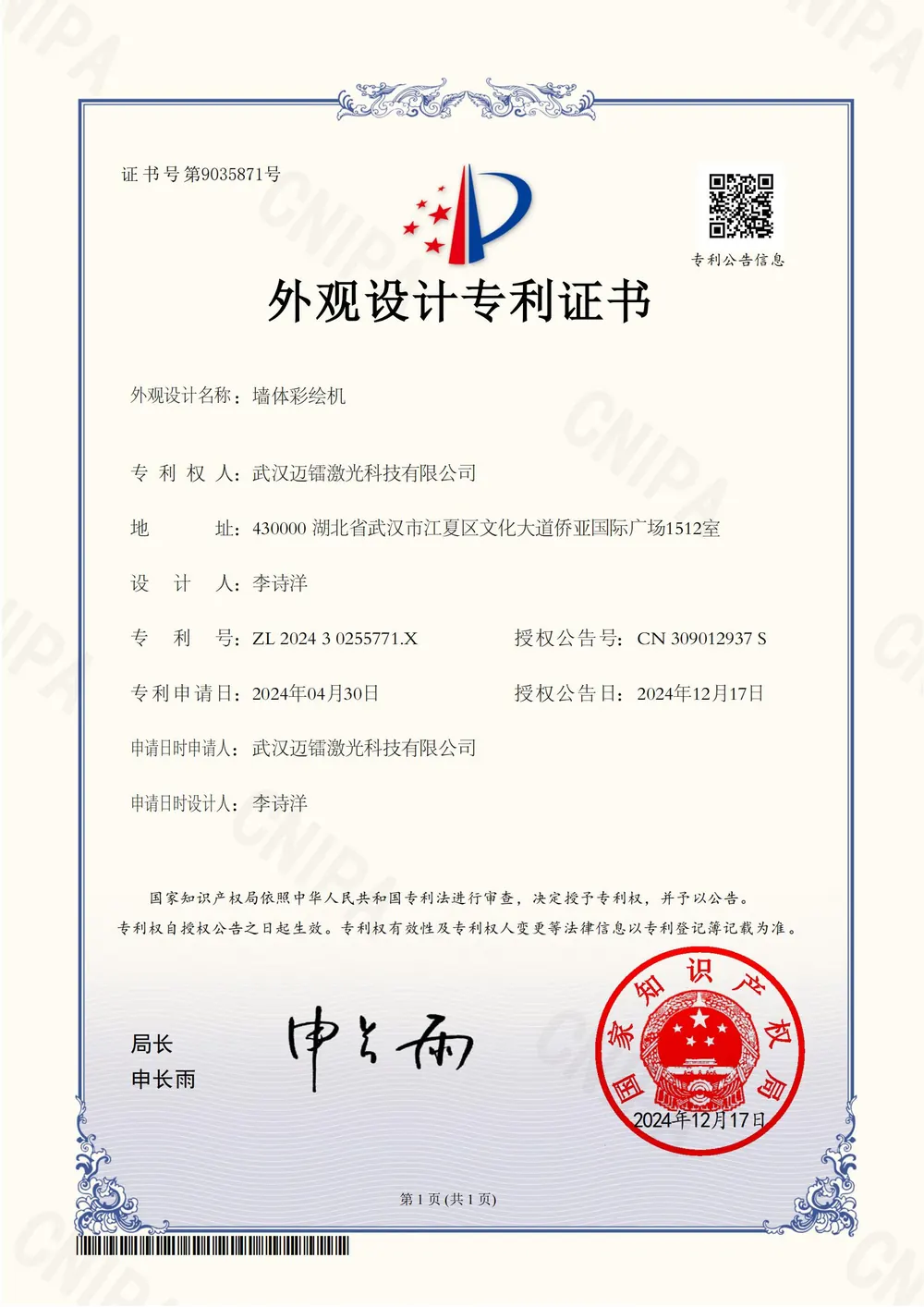
China design patent (appearance)
ZL 2024 3 0255771.XGP200B wall printer body. Granted 2024-12-17.- SGS test report GZHL2303007145OTBlack UV ink tested against EU RoHS substance limits, 2023-03-23.
- Machinery Directive attestation M.2023.206.C83822UDEM International Certification, valid to 2028-04-09.
- UV ink MSDS and MAXWAVE trademarkEnglish MSDS on request; MAXWAVE is a registered trademark, No. 66902017.
The set for your configuration comes with your quotation; standards and validity dates are on About Us.
Request the Certificate SetReal prints, labelled as they are
Project Cases and Real Prints from Our Machines
Real prints made with MAXWAVE machines, labelled by machine and surface. The business stories behind wall printing are on our Success Stories page.
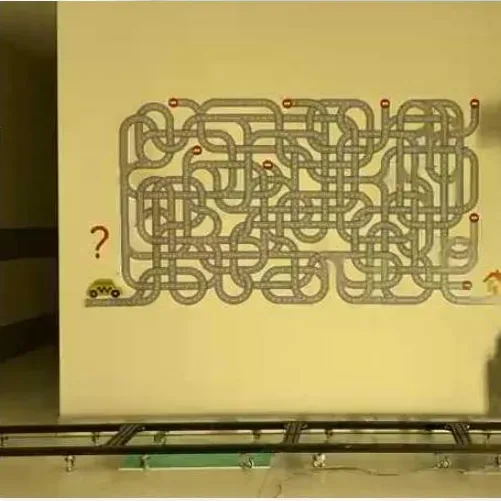
Test print on a painted wall, wheel-base model in the wall position.
Living-room feature wall, light painted surface.
Multiplication table in nine colour blocks on a light painted wall.
Icons printed across three paint colours.
Alphabet over a green dado band.
Success stories
How owners in different markets started and grew a wall printing business.Read the success storiesFrom wall photo to first print
Buying Your Wall Printer in Seven Steps
Send your walls and your business
Photos of the walls you plan to print, their width and height, the surfaces (painted wall, brick, glass, tile, wood) and the jobs you want to sell. A sample artwork file helps.Get a recommendation
A series, a printhead setup and an ink configuration: CMYK, or CMYK + W for dark walls.Receive the quotation and the certificate set
The quotation covers the machine with its consumables. The CE certificates and the warranty certificate come with it.Confirm the configuration
Series, printhead and ink setup, plus a custom logo on the machine for the UP200P or GP200B.Factory test, packing and shipping
Calibrated and tested at the factory, then crated for transport.Arrival and setup
Assemble with the illustrated manual, record a video of the machine and send it for the remote setup review.Remote training
A technician takes you through your machine and your first prints.
Selling equipment
Distributor and Reseller Supply
For equipment dealers: stock MAXWAVE wall printers through WallPrintJet, with the same factory test and after-sales support behind every machine you sell.
Your logo on the machine
The UP200P and the GP200B can carry a custom logo on the body.The same support behind every unit
Calibrated software, the remote setup review and the video library come with each machine you sell on.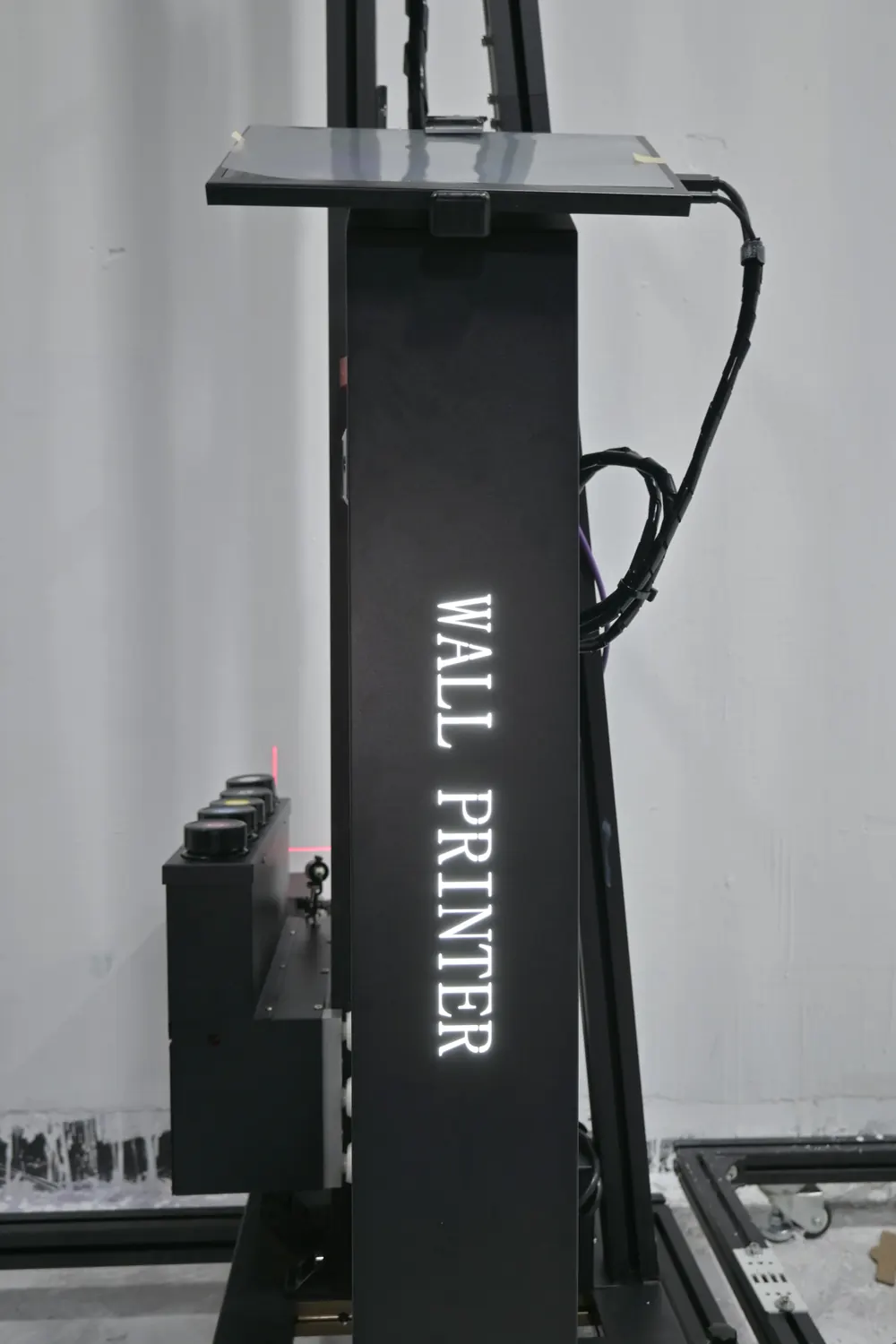
Start here
Get a Machine Quote for Your First Job
Send the artwork for your first job and say where it will go. The machine setup for that job comes back with a quotation. Wall photos, rough sizes and a sketch are enough to start.
- Your details reach the sales team the moment you press send.
- You receive a series, printhead and ink recommendation with the machine price.
- Run the payback sum with your own figures, then decide.
Email [email protected]
WhatsApp +86 15327155363